
Six jobs, one wallet. Find yours.
My Larp Wallet is a crypto wallet app simulator: you compose a wallet in a form, then open it full screen on your phone. The same wallet does six jobs. Each one has a page that says what the job needs, where the product stops, and which guides to read.
No account · a DEMO mark on the screen · 12 changes at a time
The six jobs
Each picture is the top of a wallet rendered by the same engine that runs yours, named for the job it does. Each tile opens the page for that kind of work.
-
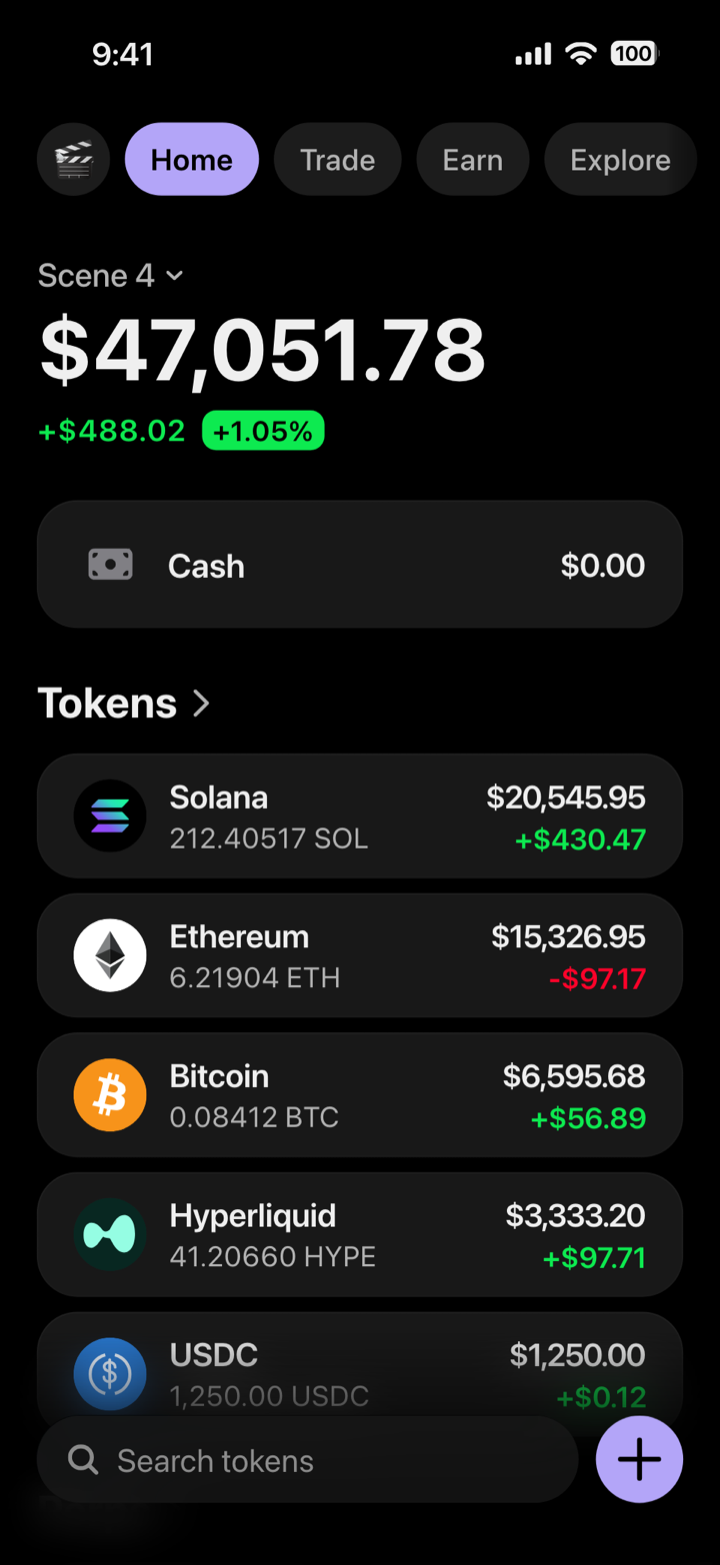 YouTube · TikTok
Videos and shorts
A wallet that moves on camera, recorded on your own phone.
Watch: Keep a Mockup label in the frame, and never caption it as your holdings.
For creators → -
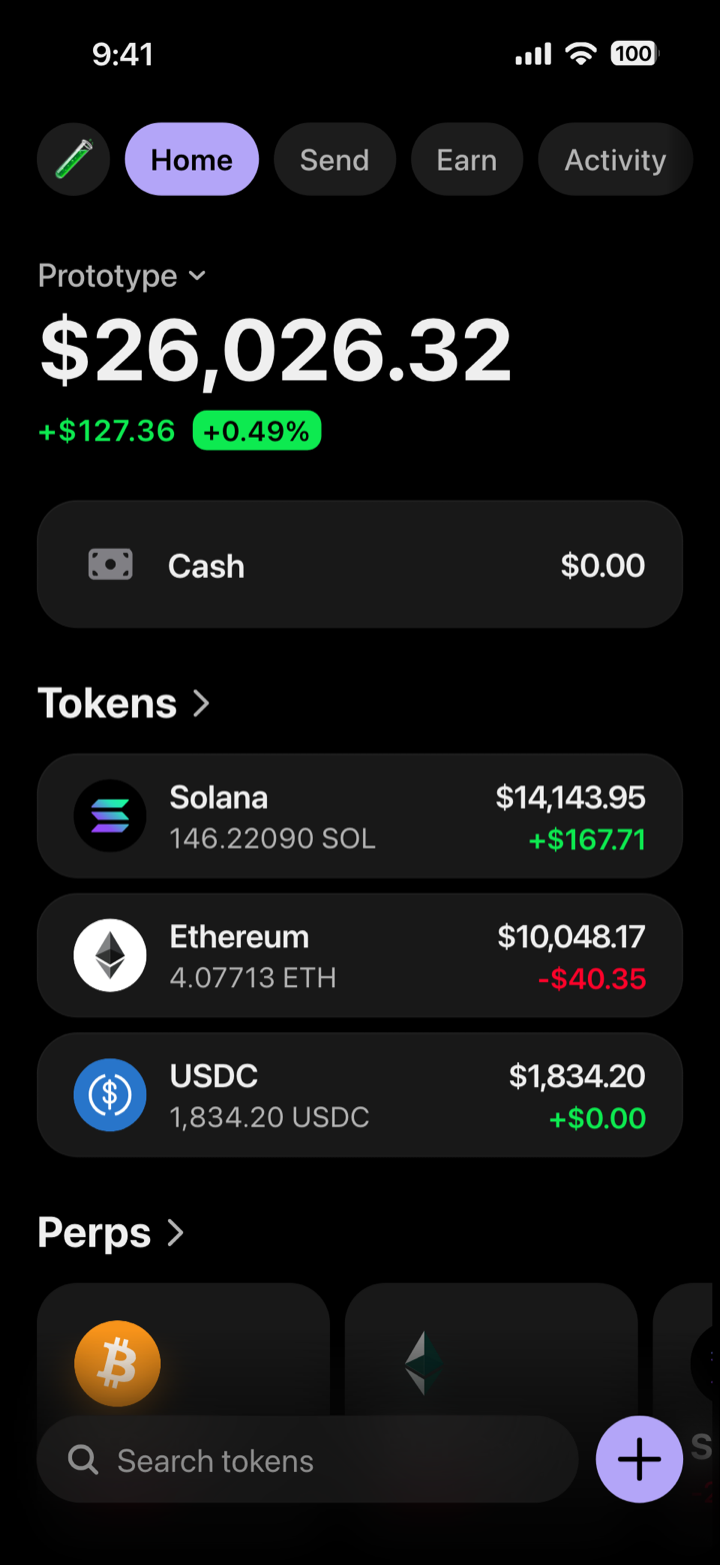 Pre-launch · Concept
A wallet app before launch
The populated screen for your pitch and concept test, before your build has data.
Watch: The store listing itself shows your build.
For wallet app builders → -
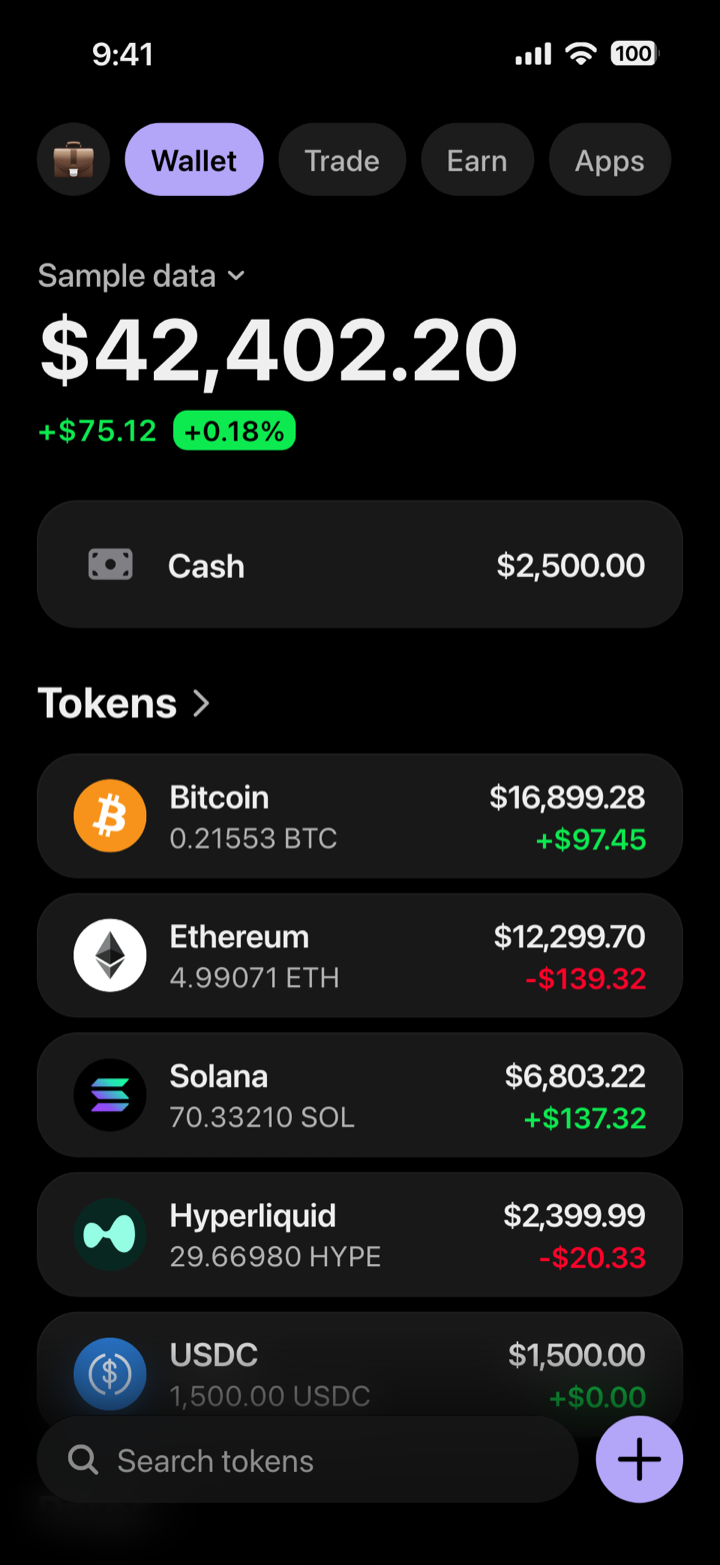 Sales · Stage
Product demos
A wallet you can show live, with nobody’s real balance on it.
Watch: The built-in prices need a connection: screenshot each beat beforehand.
For demos and decks → -
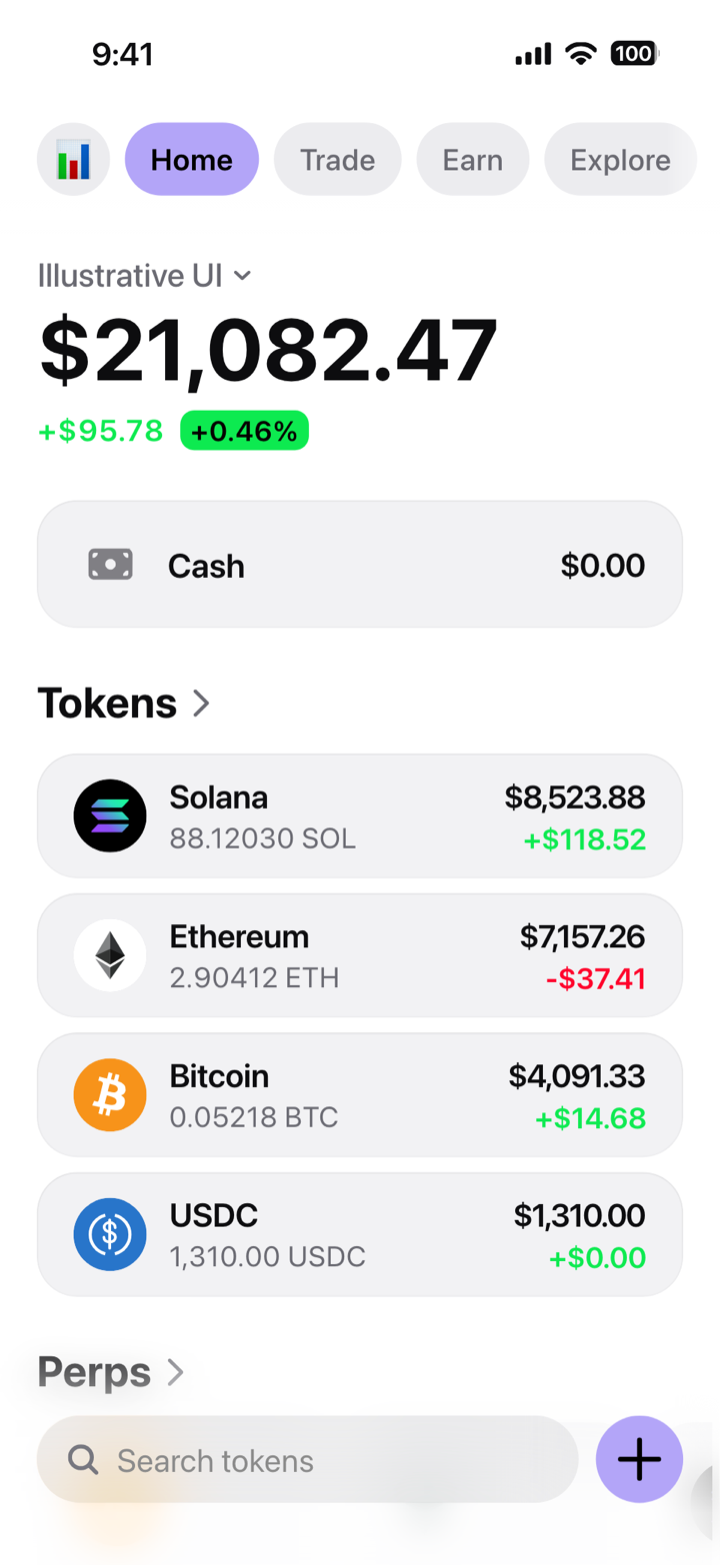 Fundraising
Investor decks
A portfolio screen for the product slide, labelled as illustrative.
Watch: Never as assets, users or revenue: traction goes on a chart with a source.
For demos and decks → -
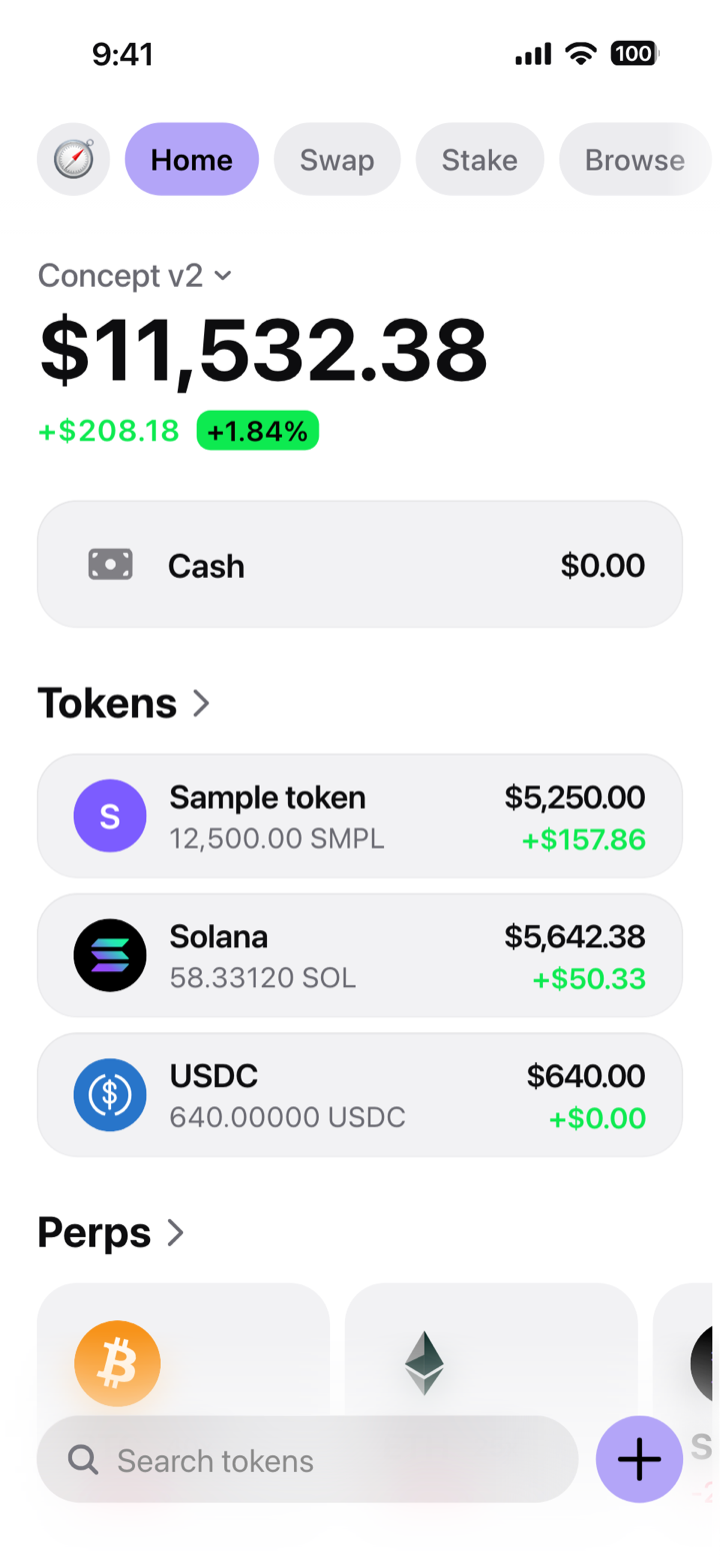 Design · Prototype
Design reviews
A populated wallet screen to set next to your own designs.
Watch: One fixed design: your own screens stay in your design tool.
For wallet app builders → -
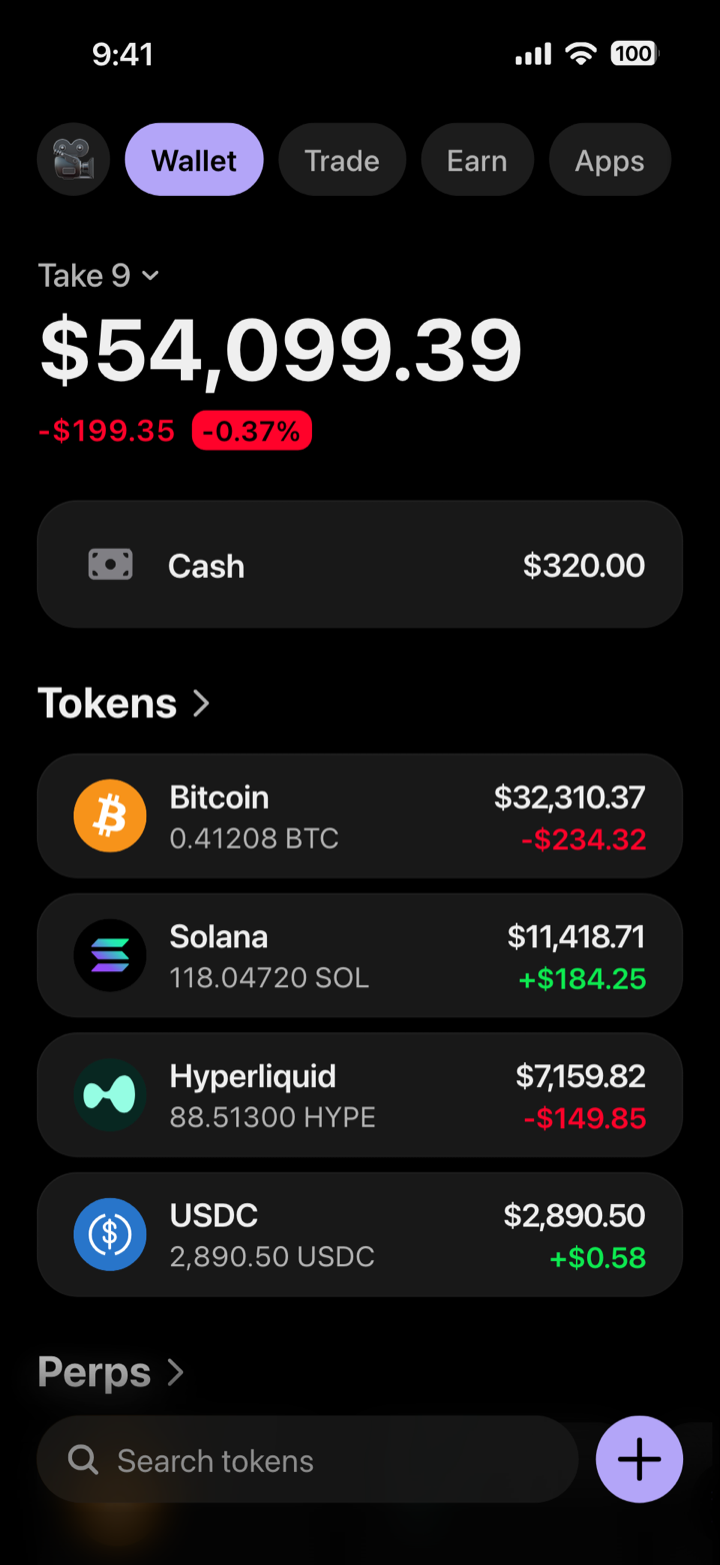 Film · TV
Props on set
Your quantities hold take after take; the prices follow the market.
Watch: For strict continuity, use custom tokens with a price you type.
For creators →
Access is personal (terms, section 4) and our terms do not mention business use: for a company or a client project, write to contact@mylarpwallet.com first.
What stays the same in every job
Composed in a form.
Pick the tokens, type the quantities, name the wallet. Each row is quantity times price, and the rows add up to the total.
Full screen, on your phone.
Added to your home screen once, it opens like an app, at your own address and under the phone’s own status bar. How it works on your phone.
Prices that move, quantities that hold.
The five built-in tokens (SOL, ETH, BTC, HYPE and USDC) follow the market while the phone is online. A custom token keeps the price you typed.
No file.
There is no export: you take the screenshot or the screen recording on the phone, at its own resolution.
One design.
You change the content, name, colour and labels, not the layout. The screens behind the tabs show fixed sample content. The default avatar and search text point to a real wallet app, whose home screen the layout follows: replace them before you record or present.
A mockup, labelled.
It holds no funds and reads no blockchain. Wherever it goes, it says so: a Mockup label in a video, “Illustrative UI, sample data” on a slide.
Where it does not fit
- As a record of anything. A screen presented as a real balance or an account statement, to obtain money, an investment or someone’s trust, is against our terms.
- Your wallet app’s store listing, unless your build shows this exact screen: Apple asks that screenshots “accurately reflect the app’s core experience” (App Review Guidelines, 2.3). Where a composed wallet screen fits, and where it does not.
- Any other screen. It draws a wallet’s home screen and token pages, in one design. Onboarding, send and swap flows, or a layout of your own belong in a design tool.
Still drawing wallet screens by hand? What drawing a crypto wallet screen really takes, what composing it changes, and when a design tool is still the right choice.
Try the wallet before you pick a job.
The demo runs the same wallet in your browser, at live prices: you change the quantities, the wallet’s name and the cash row. Your own wallet adds every other setting.
Try the free demoNo account · a DEMO mark on the screen · 12 changes at a time
My Larp Wallet makes interface mockups. It is not a wallet: it holds no funds and reads no blockchain. Every quantity is typed in; only the market prices of the five built-in tokens are real. Presenting a screen as a real balance or an account statement, to obtain money or someone’s trust, is against our terms.