
Wallet balance wallpaper for iPhone
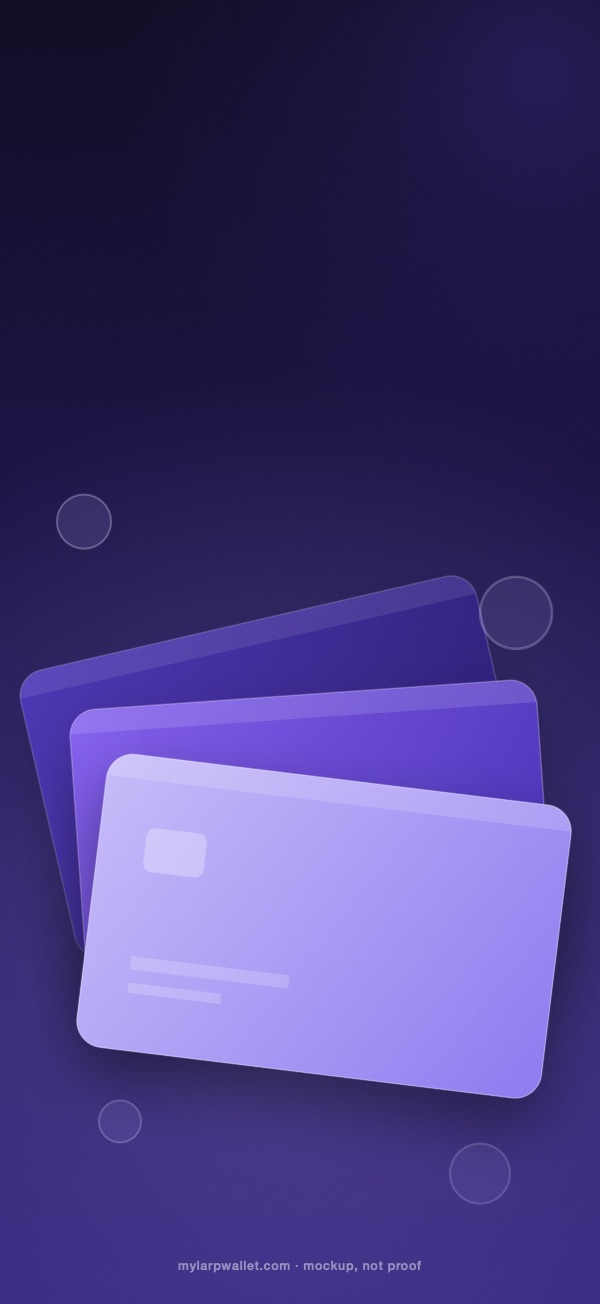
Three fanned cards in lavender, a few coin outlines and a soft violet field. It is the picture of a wallet without any wallet in it: no logo, no text, no number.

The file is the exact pixel size of the model you pick. Nothing is scaled when you set it.
Every iPhone and its file
| Pixels and files | iPhone models |
|---|---|
| 1320 × 2868 Lock, 382 KB · Home, 378 KB | iPhone 18 Pro Max, iPhone 17 Pro Max, iPhone 16 Pro Max |
| 1290 × 2796 Lock, 364 KB · Home, 361 KB | iPhone 16 Plus, iPhone 15 Pro Max, iPhone 15 Plus, iPhone 14 Pro Max |
| 1284 × 2778 Lock, 362 KB · Home, 359 KB | iPhone 14 Plus, iPhone 13 Pro Max, iPhone 12 Pro Max |
| 1260 × 2736 Lock, 347 KB · Home, 343 KB | iPhone Air |
| 1242 × 2688 Lock, 338 KB · Home, 335 KB | iPhone 11 Pro Max, iPhone XS Max |
| 1206 × 2622 Lock, 325 KB · Home, 321 KB | iPhone 18 Pro, iPhone 17 Pro, iPhone 17, iPhone 16 Pro |
| 1179 × 2556 Lock, 309 KB · Home, 306 KB | iPhone 16, iPhone 15 Pro, iPhone 15, iPhone 14 Pro |
| 1170 × 2532 Lock, 306 KB · Home, 302 KB | iPhone 17e, iPhone 16e, iPhone 14, iPhone 13 Pro, iPhone 13, iPhone 12 Pro, iPhone 12 |
| 1242 × 2208 Lock, 285 KB · Home, 282 KB | iPhone 8 Plus |
| 1125 × 2436 Lock, 285 KB · Home, 282 KB | iPhone 11 Pro, iPhone XS, iPhone X |
| 1080 × 2340 Lock, 265 KB · Home, 262 KB | iPhone 13 mini, iPhone 12 mini |
| 828 × 1792 Lock, 162 KB · Home, 159 KB | iPhone 11, iPhone XR |
| 750 × 1334 Lock, 116 KB · Home, 114 KB | iPhone SE (3rd generation), iPhone SE (2nd generation), iPhone 8 |


Cards, coins and no brand
Search for a wallet balance wallpaper and you mostly find pictures of a real app. This one avoids that on purpose. The cards are plain rounded rectangles with a chip shape and two bars, the coin outlines are empty circles, and nothing on the image names a bank, a card network or a wallet. It is decoration, and it stays decoration.
The lavender is the same one used in the My Larp Wallet screen, so the wallpaper sits comfortably behind a widget or a photo of the app.
Two ways to place it
On the lock screen, the cards sit in the lower half and the front card is the brightest, which keeps the clock area clean. On the home screen the same cards are dimmed and moved lower, so the icons and the dock read clearly over them.
Both versions have a soft shadow under the cards. At the exact pixel size of a model that shadow stays smooth; scaled from another size it can band, which is one more reason to download the file for your own phone.
Picking the right file
Choose your iPhone in the menu and the page updates the size, the file weight and the link. The table lists all 39 models by size, so you can also check that a friend's phone is the same size as yours before you send them the file.
Questions
Does the picture show a real card or wallet?
No. The cards are generic shapes with no name, number or logo, and the coin outlines are empty circles.
Why mockup, not proof at the bottom?
Because it is a picture. It is not a statement, a receipt or evidence of any balance.
What file type is it?
A JPEG in sRGB with no transparency, which is what the iPhone wallpaper picker expects.
Is it affiliated with Apple?
No. We are not affiliated with Apple. The sizes follow public screen dimensions.
More wallpapers
- Larp wallpaper for iPhoneThe mask outline on deep violet, lock and home screen.
- Crypto portfolio wallpaper for iPhoneA glowing chart that climbs, with no numbers.
- Larp wallpaper for MacBook and 4K2880 × 1800 and 3840 × 2160 in three looks.
- Phone mockup makerPut your own screen in a drawn phone frame and export a PNG.
- App Store screenshot size calculatorThe pixel sizes of each device, copied from Apple's pages.
Made by My Larp Wallet, a crypto wallet simulator that draws a wallet screen from the balances you type. The wallpapers are a separate download: they need no account, and they are pictures, never proof.
Run a wallet screen with your own balances
Not affiliated with Apple. iPhone, MacBook and Mac are trademarks of Apple Inc. These wallpapers are made by us from public screen dimensions; they are mockup, not proof, and never a statement of anything.